

 Design Labs
Explore
Give every idea a little room.
Keep your original. Try another direction. Collect your landing pages and dashboards in one visual workspace, ready to explore.

Keep your original. Try another direction. Collect your landing pages and dashboards in one visual workspace, ready to explore.
Put real, working interfaces side by side. Split your view, switch versions, and try the interactions. The little details make the decision.
Find the direction that feels right. Mark your production version, review the changes, and bring approved source back to your project.
Keep your original. Try another direction. Collect your landing pages and dashboards in one visual workspace, ready to explore.
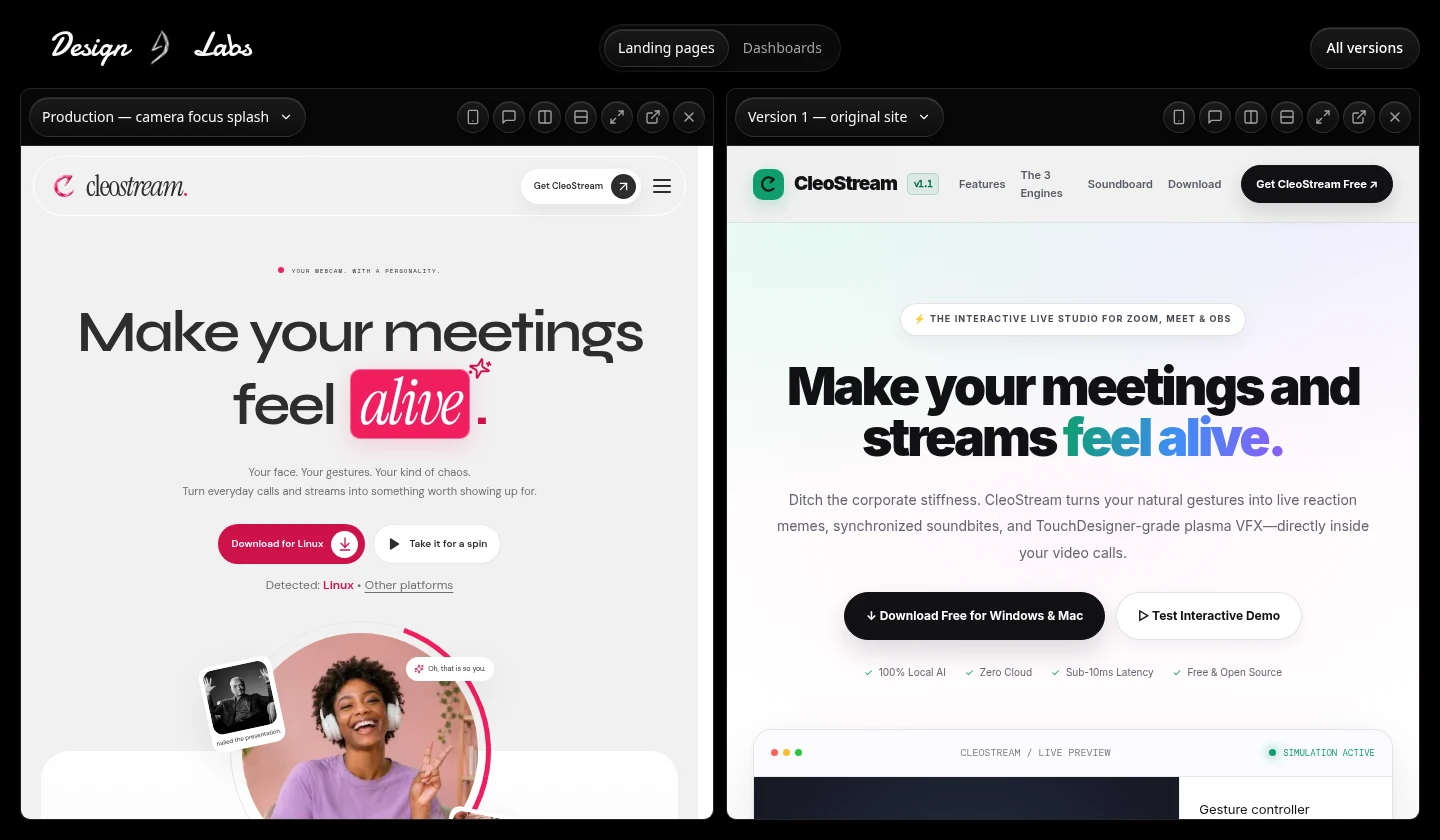
Put real, working interfaces side by side. Split your view, switch versions, and try the interactions. The little details make the decision.
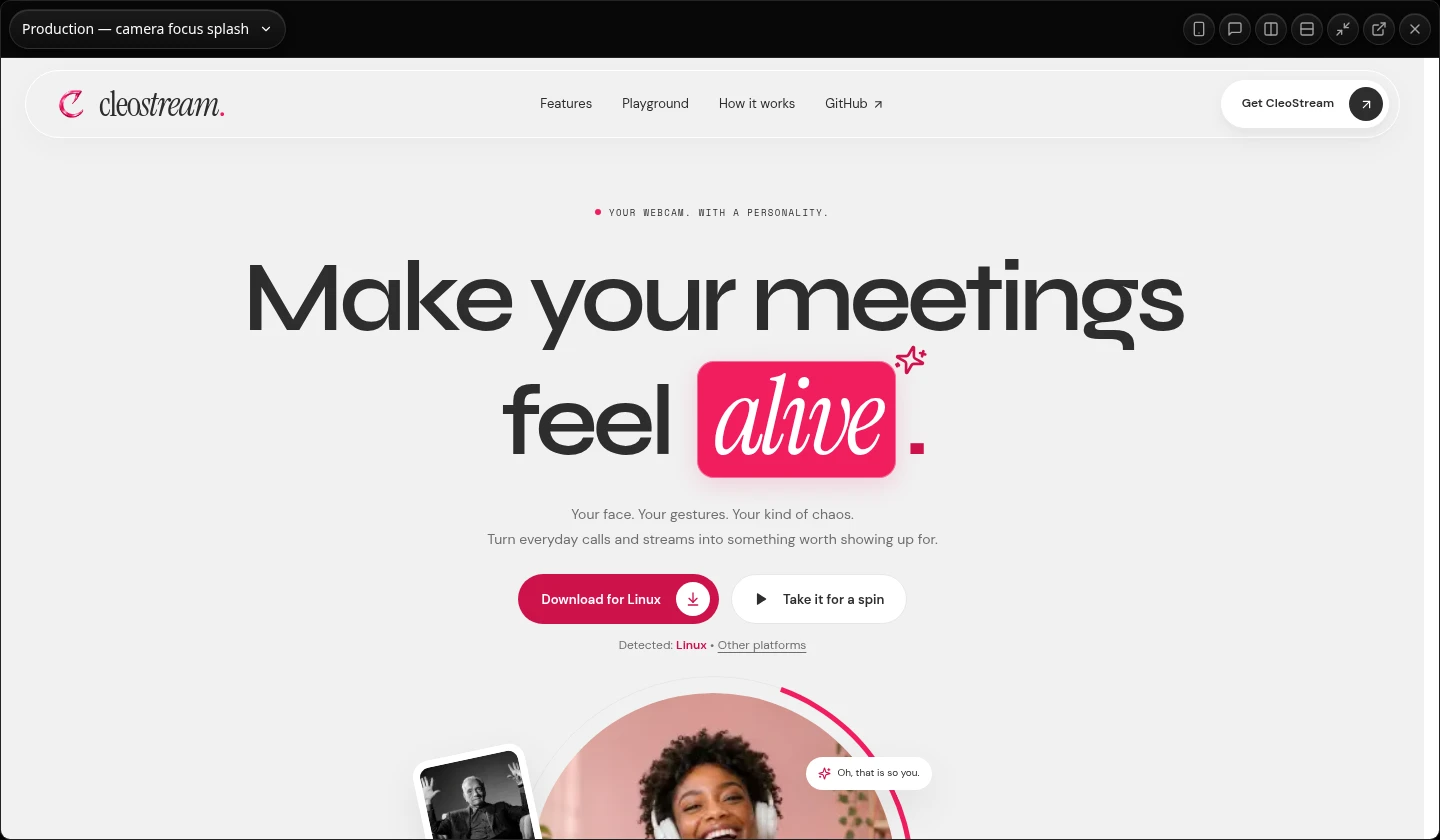
Find the direction that feels right. Mark your production version, review the changes, and bring approved source back to your project.
A little space to experiment. A better way to decide.
Your original, your experiments, your decision.
Save where you are before exploring where you could go. Independent versions give every direction its own space.
Explore your workflowChoosing a favorite doesn’t overwrite your project. Review the source changes and check for drift before transferring them.
From a fresh landing page to a thoughtful redesign.
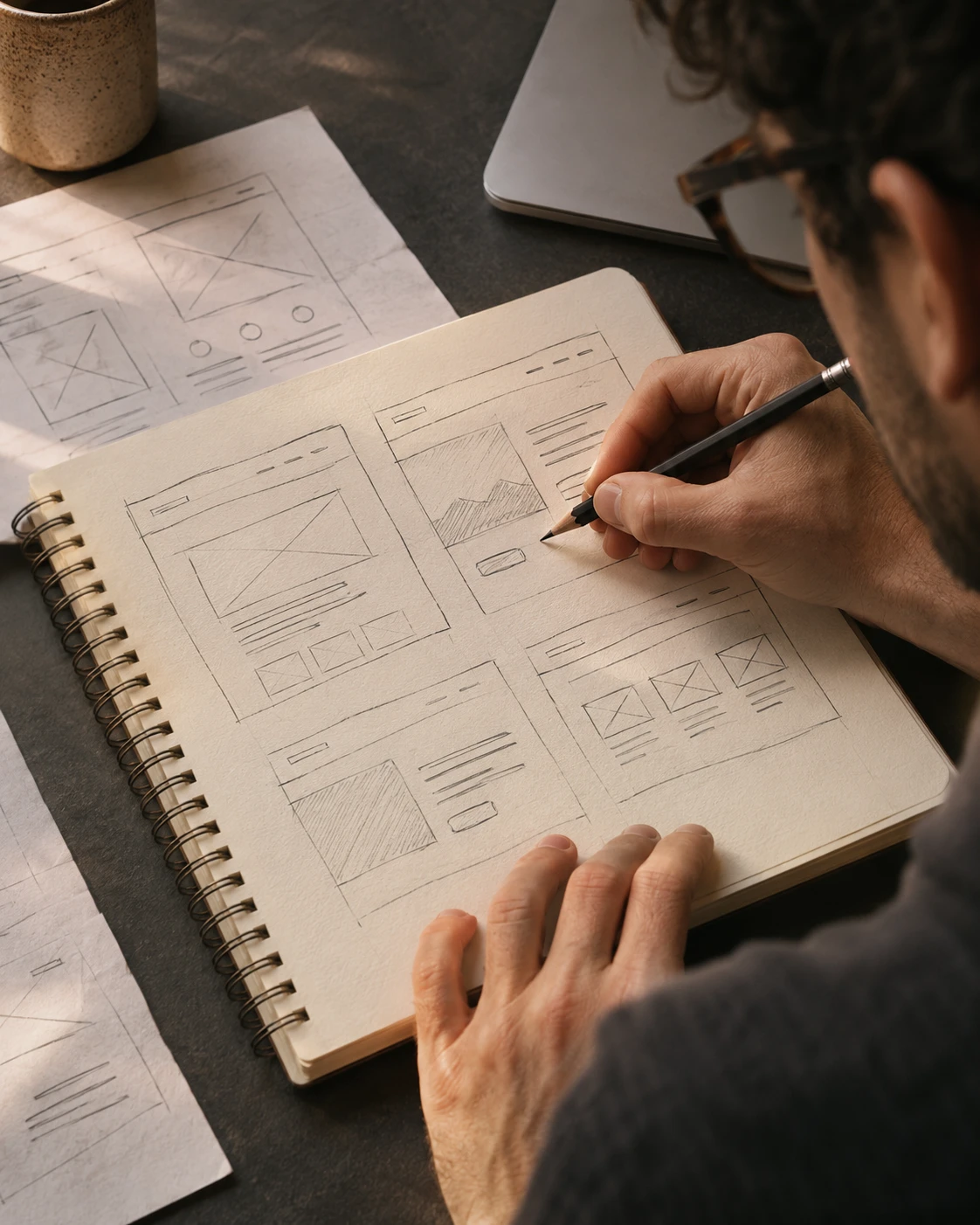
Try a different first impression.

Keep what works. Explore what could.

More possibilities. A clearer next step.
A little clarity, before you get going.
Design Labs is a local workspace for exploring and comparing frontend versions. Save a version of your Next.js landing page or dashboard, create alternatives with your coding agent, and compare working previews before choosing a direction.
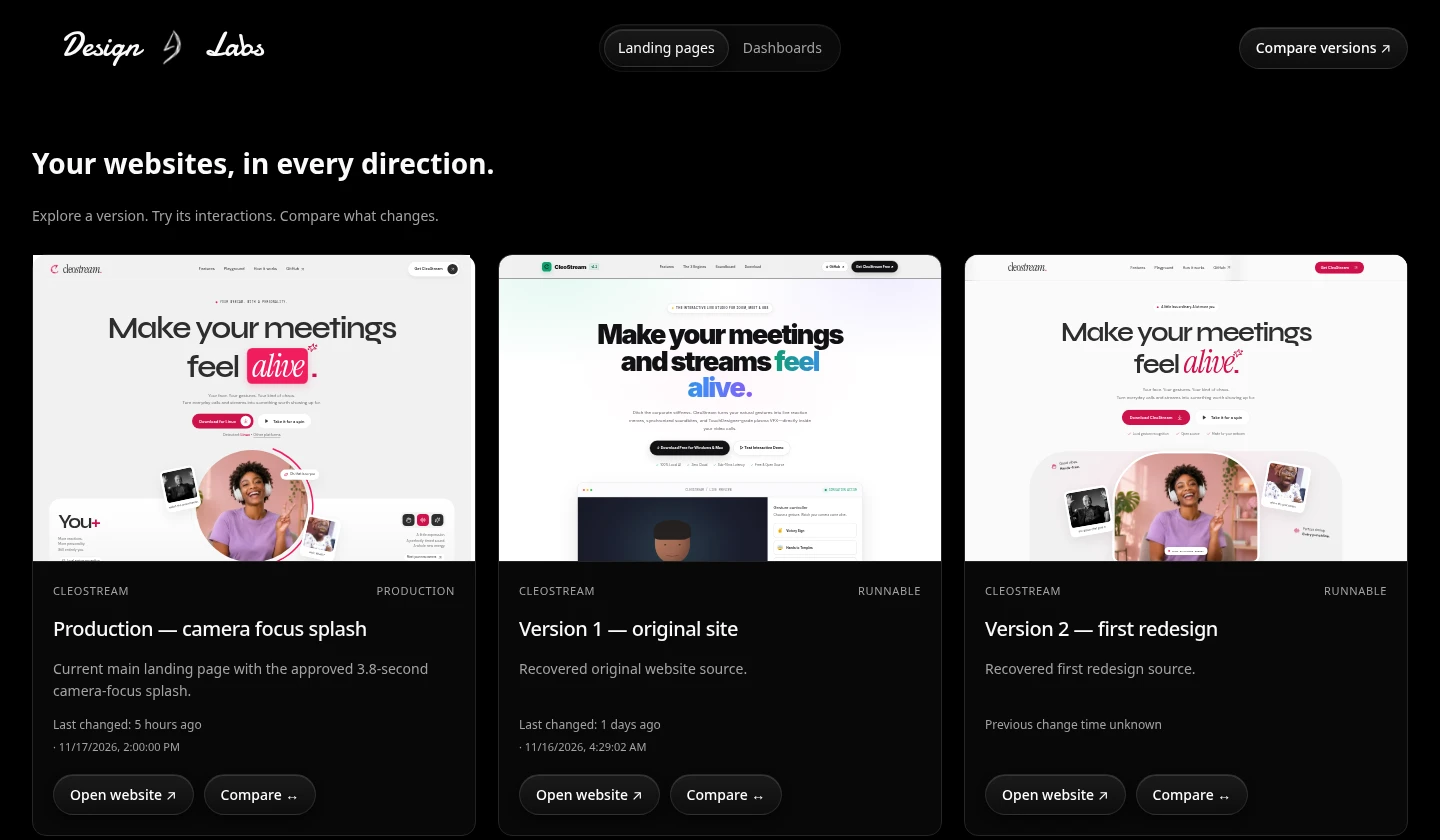
Inside your Lab, previews are real interfaces you can scroll, click, and explore. The product captures on this page come from a running Design Labs workspace with three real versions of CleoStream.
Snapshots and duplicates are independent copies. Choosing a production version changes the approval metadata. Moving source back into your project is a separate step with a reviewed diff and drift checks.
Design Labs currently supports Next.js frontends. Your coding agent prepares the preview dependencies and, when needed, frontend fixtures. Different framework, dependency, or authentication setups can need additional preparation.
On your machine. One managed launch command starts your workspace and prepared preview runtimes. Design Labs does not require you to publish your project to compare versions.
Use Get Design Labs to copy the installation command and setup prompt. Run the command from your project root or give both to your coding agent.
Bring your project. Keep your possibilities.
Make the next version your best one yet.
